Your fleet, your audio, your data — in one place.

The Console is the web app you run alongside your Domias. See every device in your mesh, replay any conversation with its real audio, tune latency, grade interactions, and export your dialogues for fine-tuning — all on your own hardware.

Try the Console live
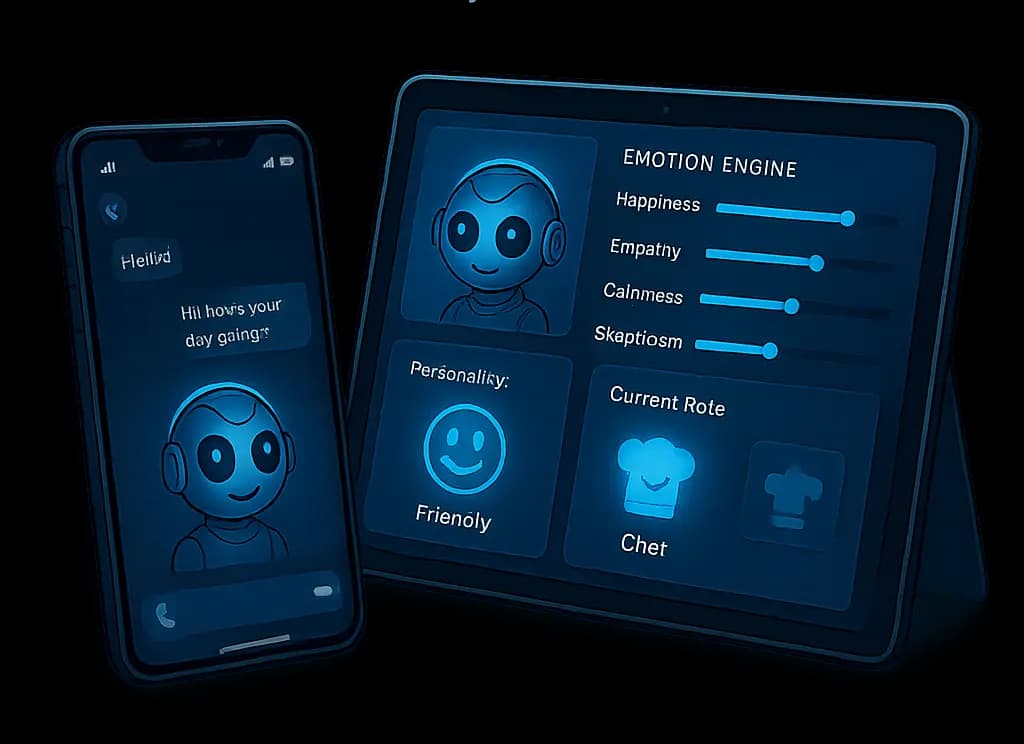
The Domia Console — local web app for managing a fleet of Domia voice AIs

🗺️ Your fleet, at a glance

Open the Console and you see every Domia in your network at once — where each one lives, whether it’s online, the persona it’s running, the engines it loaded for STT, LLM, TTS and wake word, its current Plutchik-8 mood, the MCP skills it has, and the last few conversations it handled. Each one keeps its own identity; you navigate them all from one screen.

Browse the fleet dashboard →

💬 Chat with any Domia, from any screen

Send text or a voice note to any Domia in your fleet from the Console’s chat tester. The reply comes back live — voice through its own TTS, text alongside. Every exchange is a real interaction stored in your local archive, so you can replay it later, grade it, or run it again with a different model to compare.

🎧 Replay every conversation — with audio

Every interaction in the Console is a full record: the audio the Domia heard, the audio it spoke back, and the transcript of each. Open one and a WaveSurfer-powered waveform lets you scrub through both — the user side and the TTS reply — synced to the moments where STT, the LLM, and TTS each took their time. Voice AI is hard to tune without ears; the Console gives you yours back.

Listen to a real interaction →

⏱️ Tune your pipeline with real numbers

Every Domia conversation logs Time-To-First-Audio and the per-stage cost of STT, LLM, and TTS individually. The Console rolls those up into a per-device dashboard, so you can see exactly where time is going across your fleet — is your wake word slow on one node? Is the LLM the bottleneck on another? Is the TTS engine eating budget you didn’t expect? Decisions about which model goes where stop being guesses.

As a reference point: on our dev machine, Domia reaches first audio about 0.6–0.7 seconds after you stop speaking — with personality, memory, and knowledge all switched on. Your numbers depend on your hardware, which is exactly what this dashboard is for.

Open the latency dashboard →

📝 Your conversations are your dataset

From any interaction you can mark it good, mark it needs work, write a correction, and tag it. The Console keeps an eval corpus of your own dialogues that you can filter, browse, and export as NDJSON — ready to feed into your favorite local fine-tuning workflow. No third-party labelers. No data leaving your network. Just a steady loop between living with your Domia and making it better.

Grade an interaction yourself →

🔁 Try a different model on a real recording

“Run Again” lets you replay any past interaction against a different LLM, a different persona, or a different engine config — and see the two responses side by side on the same input. Before you commit a model swap across your fleet, you can hear what it would have sounded like on the conversations you’ve already had.

See a side-by-side rerun →

🗄️ A local archive that outlives any device

The Console runs a small collector daemon alongside the web UI. It discovers your Domias over MQTT, pulls every new interaction from them as it happens, and mirrors the traces and audio into a local SQLite + WAV archive on your own disk. A device gets unplugged or reformatted — your fleet’s history is intact. The Console talks to the live devices for control and to the archive for everything else: two planes, one screen, no cloud in either of them.

🎚️ Edit every Domia’s mind, live

Click into any Domia and open its config workspace: tune personality traits and mood on a live emotion radar, swap the STT, LLM, and TTS models from pickers that can install new ones on the device, adjust temperature, context window, threads, and voice speed with sliders — then apply. Changes land on that device and take effect on its next conversation. Browse its memories and emotional history from their own screens, alongside every conversation it has had.

Open a Domia’s config →

📦 Capture a mind. Apply it anywhere.

Templates make a Domia’s whole configuration portable. Build one from scratch, capture a live device’s setup — persona, mood, engines, models, modules — or clone and tweak an existing one. Then apply it to any Domia in the fleet with a click. Spent an evening tuning the perfect kitchen companion? Make it a template and your other spaces get it in seconds.

Browse the template gallery →

🔐 On your network. No accounts. No telemetry.

The Console runs on a machine you own and talks to your Domias over your own LAN. No cloud account, no third-party analytics, no audio uploaded anywhere. Trust is the same trust you already extend to devices on your own network — nothing more. If a Domia is on, the Console sees it; if it isn’t, nobody else does either.

🎭 Make your Domia a person

A Domia isn’t just a voice. It’s someone — with a name, a temperament, a way of speaking. Start from one of these and tweak from there, or write your own from scratch. Every persona is just a JSON template you import into the Console.

  • The Chef

    The Chef

    Knows your kitchen. Asks how the bread turned out. Likes routine and small wins.
  • The Teacher

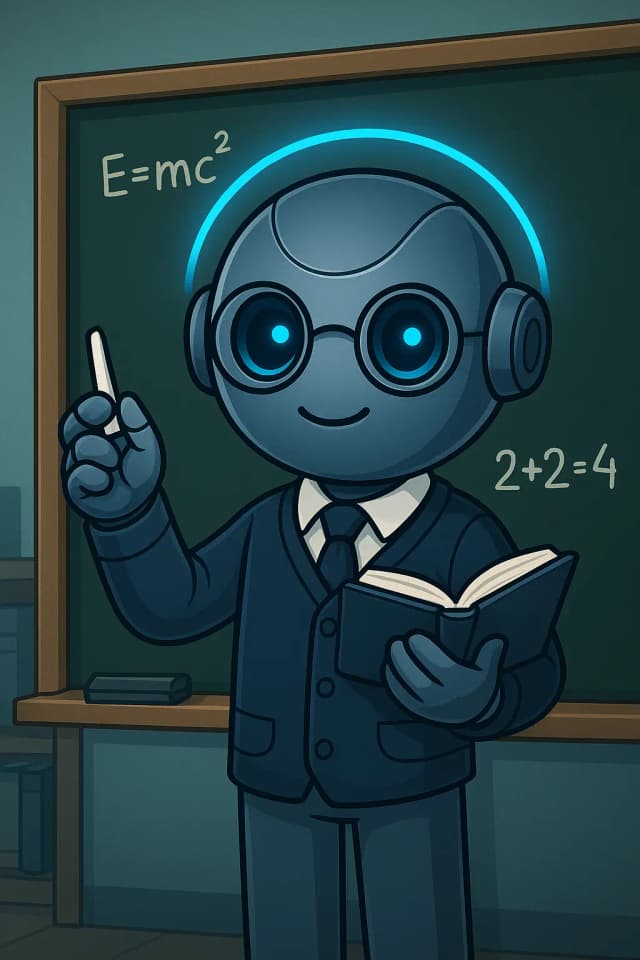
    The Teacher

    Patient and curious. Never tired of a good follow-up question.

  • The Musician

    The Musician

    Speaks in cadence. Picks up rhythms in how you talk and suggests music for the moment.

  • The Doctor

    The Doctor

    Calm under pressure. Reads tone first, answers second.

  • The Investigator

    The Investigator

    Asks one more question than you expected. Notices what others miss.

  • The Gamer

    The Gamer

    Up for late nights, fast banter, and remembers your stats.

  • The Explorer

    The Explorer

    Wonders at things you’ve stopped noticing. Reads aloud well.
  • The Architect

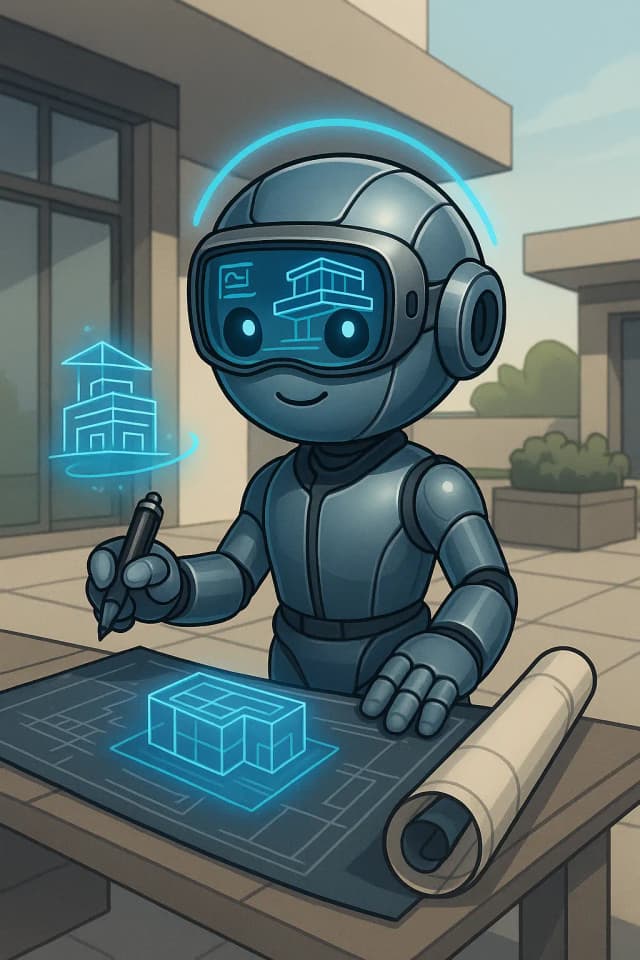
    The Architect

    Thinks in spaces. Helps you decide where things go and how they connect.

More personas — and a community gallery of community-made ones — live in the domia-personas repository on GitHub.

🛣️ What’s next

Here’s what we’re building next on top of the Console. Everything in this list is a near-term commitment in our roadmap — not aspiration.

  • 🧩 Skills browser

    Inspect every MCP server wired into the fleet, what tools each exposes, and the tool-calls each has performed. Lands together with the skills engine itself.

  • 📱 Mobile companion

    Web today, mobile next. Same Console, same network, same data — just on a screen you carry around.

  • 🧑‍🏫 Trainer mode

    A guided flow for teaching a Domia a specific role — a host, a guide, a coach — from a handful of examples.